
Home · Technology · Oct 7 archive
Google Expands Screen Saver Options to Older Pixel Models
Confirmed
In Short: Google is rolling out new screen saver options to older Pixel models, including the Pixel 9 series.
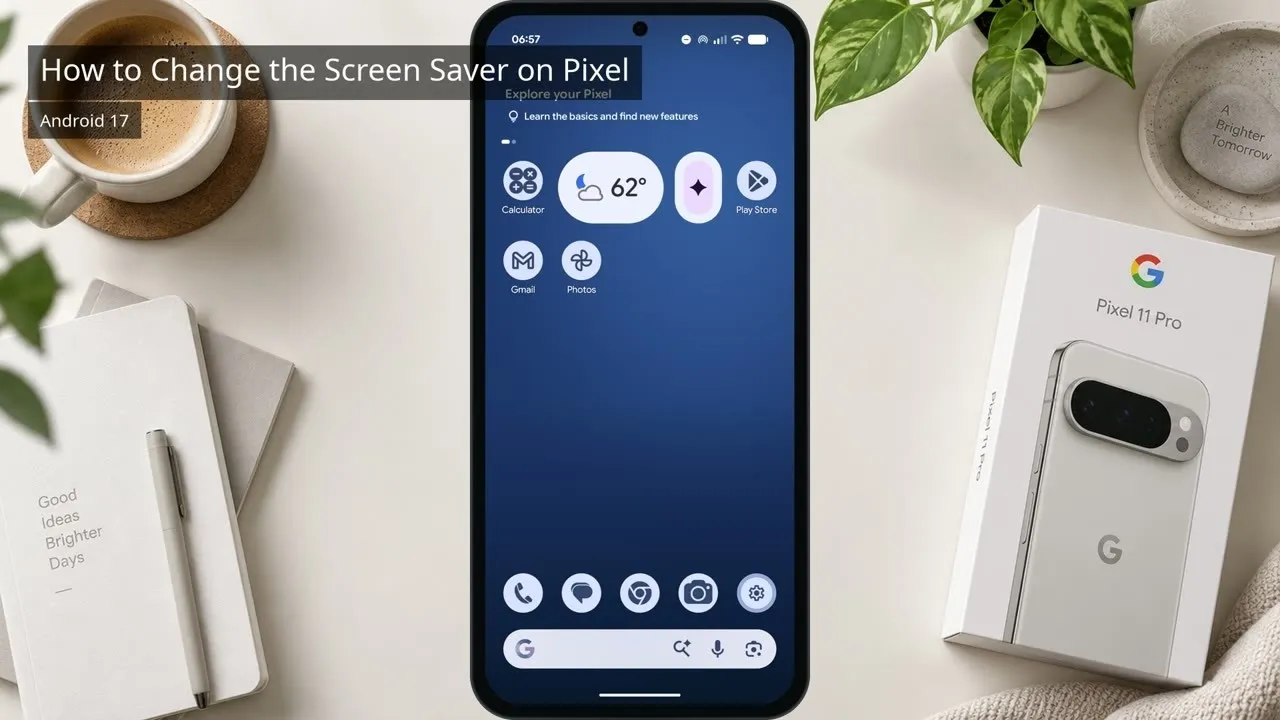
Google is expanding its Screen Saver feature to older Pixel models, including the Pixel 9 series, according to reports from Android Authority.
The Pixel 10 originally introduced a variety of new screensaver styles last year, marking the feature's first major update in over a decade.
These options were initially exclusive to the Pixel 10 but later expanded to the Pixel 11, which added the Charge screensaver style.
Now, the Pixel 9 Pro is also receiving these updates, allowing users to choose from a range of new screensaver styles, including the Charge, Clock, and Weather options.
A Telegram user shared a screen recording showing the Pixel 9 Pro now offering the same screen saver options as the newer Pixel models.
Previously, the Pixel 9 series had a simpler clock screen saver option, but the Pixel 10 introduced more expressive and vibrant clock styles.
The new screen saver options bring a more dynamic and engaging experience to older Pixel models.
In addition to the screen saver updates, Google is also introducing a new widgets panel on the lock screen for Android 16.
This panel allows users to swipe from right to left on the lock screen to access a dedicated area for widgets.
Google suggests a few featured widgets, but users can browse the full list of available widgets.
The widgets panel can be enabled through Settings > Display & touch > Lock screen > Widgets on lock screen, or directly from Settings > Display & touch > Widgets on lock screen.
Users can customize when the widget panel appears, such as when the device is charging, upright and charging, or only when wirelessly charging.
What this adds
The expansion of screen saver options to older Pixel models enhances the user experience by bringing more customization and engagement to the lock screen.
The introduction of the widgets panel on the lock screen adds a new layer of functionality, making the lock screen more useful and interactive.
What's confirmed
- Google is expanding its Screen Saver feature to older Pixel models, including the Pixel 9 series, according to reports from Android Authority.
- The Pixel 10 originally introduced a variety of new screensaver styles last year, marking the feature's first major update in over a decade.
- These options were initially exclusive to the Pixel 10 but later expanded to the Pixel 11, which added the Charge screensaver style.
- Now, the Pixel 9 Pro is also receiving these updates, allowing users to choose from a range of new screensaver styles, including the Charge, Clock, and Weather options.
- A Telegram user shared a screen recording showing the Pixel 9 Pro now offering the same screen saver options as the newer Pixel models.
- Previously, the Pixel 9 series had a simpler clock screen saver option, but the Pixel 10 introduced more expressive and vibrant clock styles.
- The new screen saver options bring a more dynamic and engaging experience to older Pixel models.
- In addition to the screen saver updates, Google is also introducing a new widgets panel on the lock screen for Android 16.
- This panel allows users to swipe from right to left on the lock screen to access a dedicated area for widgets.
- Google suggests a few featured widgets, but users can browse the full list of available widgets.
- The widgets panel can be enabled through Settings > Display & touch > Lock screen > Widgets on lock screen, or directly from Settings > Display & touch > Widgets on lock screen.
- Users can customize when the widget panel appears, such as when the device is charging, upright and charging, or only when wirelessly charging.
What's still developing
- While the Pixel 9 phones already had the option for setting a clock as the screen saver, it was rather bland and simplistic.
- We’ve known that Android 16 would mark the return of lock screen widgets for a while, but we’re finally getting our first look at them.
- You might have a Google Pixel Stand on your nightstand or a Pixel Tablet in your living room.
- If you do, you probably already use the screen saver for things like Google Photos or the Google Home dashboard.
- The latter is where you’ll find options for when to show the widget panel automatically, a.k.a.