
Home · Technology · Sep 30 archive
Apple Users Can Now Use ChatGPT Through Siri on Mac
Confirmed
In Short: Apple has integrated ChatGPT into Siri on Mac, allowing users to ask questions directly through the assistant.
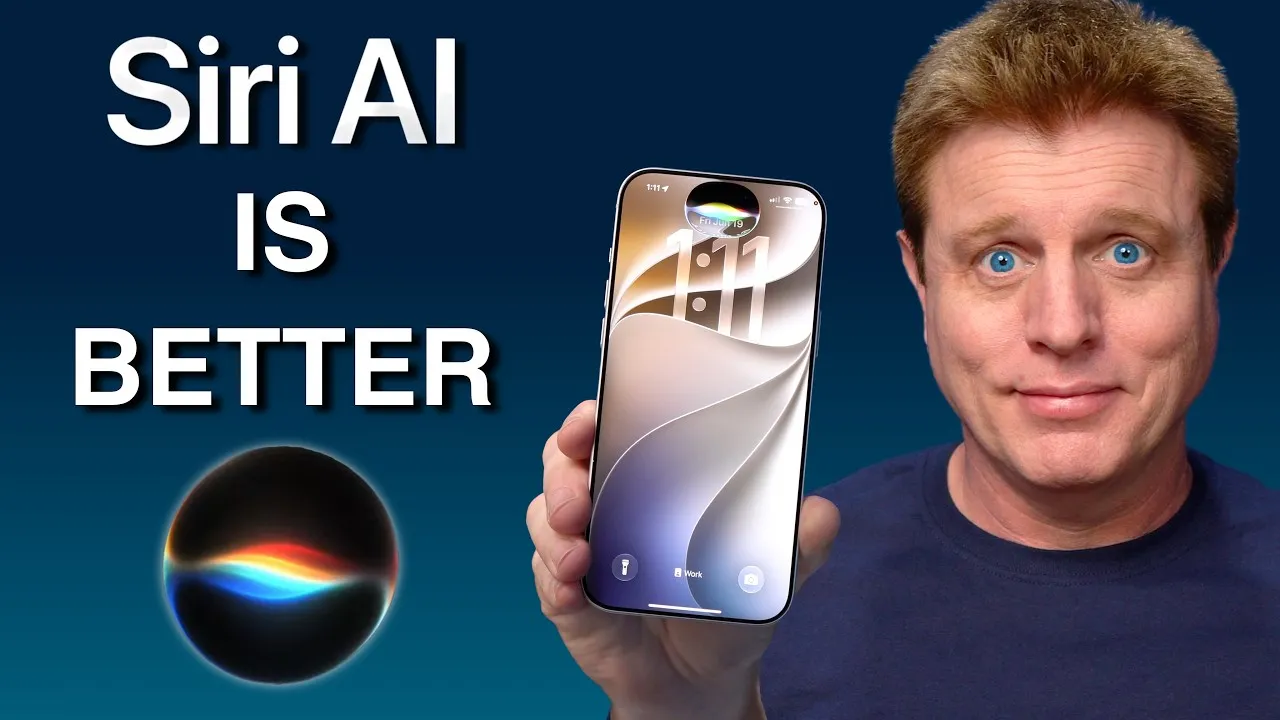
Apple's release notes indicate that users must first enable Siri AI in Settings before they can use ChatGPT through Siri on their Macs.
To use ChatGPT, users need to turn on the ChatGPT extension in System Settings and then explicitly ask for ChatGPT by name each time they want to use it.
In macOS 27 Golden Gate, Siri AI is more advanced and does not automatically suggest ChatGPT unless prompted.
Users can initiate a ChatGPT query by saying 'ask ChatGPT' or typing it into the Search or Ask field.
The integration of ChatGPT into Siri is part of a broader trend of AI adoption on the web, as noted by Pew Research.
According to Pew Research, over one-third of web pages published after ChatGPT's release show signs of AI authorship.
Apple has not yet implemented a feature to switch between different AI providers, such as Claude, though code references to Claude exist in macOS 27.
If users sign in, their ChatGPT requests are saved to their chat history, subject to OpenAI's privacy policies.
For users who prefer not to sign in, OpenAI does not retain any information tied to their Apple Account.
After receiving an answer from ChatGPT, the system defaults back to Siri AI for subsequent queries, requiring users to manually select ChatGPT again.
This integration allows for more direct interaction with AI tools through Apple's ecosystem, enhancing the user experience for those who prefer voice or text-based queries.
What this adds
The requirement to manually select ChatGPT for each query adds an extra step for users.
The lack of a default setting for ChatGPT means users must remember to specify it each time.
The integration of AI into Apple's ecosystem reflects a broader trend in technology adoption and user interface design.
What's confirmed
- If you buy through our links, we may earn a commission.
What's still developing
- Apple's own release notes say Siri AI starts appearing only after a user turns it on in Settings, though they don't spell out the exact Mac menu path ( Apple Support, earlier this month).
- That timeline describes Siri AI generally rather than the ChatGPT extension by name, but it's a reasonable place to start if language might be the issue.
- MacRumors found code inside macOS 27 referencing Claude, but Apple hasn't turned on any provider-selection feature, so treat that as unconfirmed rather than a coming option (MacRumors, yesterday).
- Apple's macOS 27 Golden Gate update lets Mac owners send a single question to ChatGPT instead of the new Siri AI, but there's no switch that makes the swap permanent.
- In macOS Tahoe, Siri would sometimes guess that a question needed ChatGPT and offer to forward it automatically.
- Siri AI in macOS 27 is smarter and does not suggest ChatGPT that way anymore, so it only hands a question over when asked directly (MacRumors, yesterday).
- Apple has integrated Siri AI into Spotlight, now renamed Search or Ask, across the Mac and its other devices ( Apple Newsroom, earlier this month).
- ChatGPT sits alongside that system as something invoked on demand, not a replacement for it.
- This guide covers verifying Apple Intelligence is turned on, enabling the ChatGPT extension, both ways to ask Siri to use ChatGPT for a single question, what to check if the option won't show up, and what's actually known about where your prompts end up afterward.
- A handful of requirements decide whether the ChatGPT extension is even reachable.
- Check these first: None of the settings below matter if Apple Intelligence itself isn't turned on.
- Open System Settings and look for an Apple Intelligence & Siri entry, or something similarly worded, since labeling may still shift during the beta.